
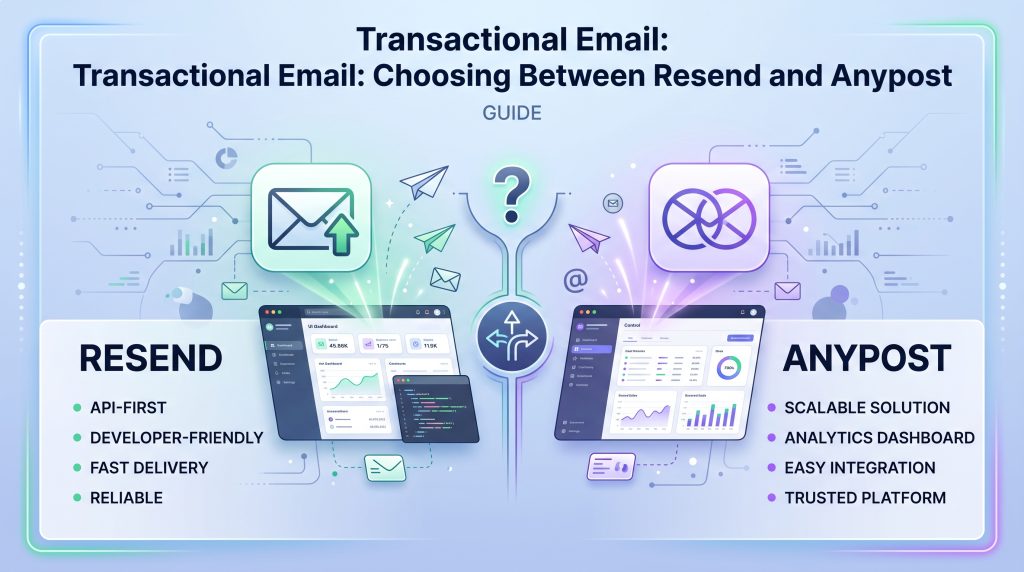
Resend is one of the most talked-about names in transactional email right now, and for good reason. Great docs, a clean API, a team that clearly ships fast. If you’ve written a signup flow in the last two years, there’s a decent chance you’ve tried it.
Here’s the deal: “loved by developers” and “the right long-term choice for your email infrastructure” are two different questions, and most comparison posts only answer the first one. Let’s break down where Resend and Anypost actually overlap, where they diverge, and what changes once you’re past the prototype stage.
Anypost: Infrastructure for Long-Term Scale
Anypost is a newer entrant in the transactional email space, designed specifically to solve the long-term infrastructure cost challenges developers face as they scale. While many platforms focus on the initial developer experience, Anypost is built to offer a more cost-effective alternative to established players by aligning its pricing and features with high-volume production needs.
Where They’re Actually the Same
At low volume, honestly, it doesn’t matter much which one you pick. Both have a free tier that covers 3,000 emails a month. Both give you a modern API instead of the old SMTP-relay approach. Both let you send your first email in under five minutes.
If you’re building a side project or an early prototype and you just need a password reset email to show up, you’re not going to notice a meaningful difference between the two. The differences show up later, once you’re actually sending at volume, which is exactly the point most comparison posts skip.
Where the Pricing Actually Diverges
Resend’s overage rate is $0.90 per 1,000 emails, and it’s the same $0.90 whether you’re on the $20/mo Pro plan (50,000 included) or the $90/mo Scale plan (100,000 included). Read that again: moving up a tier gets you more included volume, but it doesn’t change your per-email cost once you’re past it. You’re not buying a volume discount. You’re buying a bigger bucket at the same flat rate.
Anypost’s overage rate actually drops as you move up: .20 per 1,000 on Starter, .10 cents on Growth, .08 cents on Scale, down to .05 cents per 1,000 at high volume. If I had to boil it down: one model charges you the same tax on every email no matter how much you send, and the other rewards volume instead of just capping it at a higher number.
Don’t compare sticker prices. Model your actual cost at your current volume and at 10x that volume, for both providers, before you commit to either one. You need to account for growth.
Infrastructure: Bare Metal vs. Rented Cloud
Resend runs on rented cloud infrastructure. Their own Data Processing Addendum says as much: hosted with third-party, multi-tenant cloud infrastructure providers. That’s a completely normal way to build a company, most of this industry runs the same way. But it means Resend’s infrastructure decisions are downstream of whatever a cloud vendor’s SKUs and regions happen to offer, and it means you’re sharing physical hardware with however many other tenants are on that instance.
Anypost runs on bare-metal servers instead of rented cloud instances. That’s not a branding choice, it’s the reason the pricing gap above exists. When you control the relationship with the hardware instead of renting a slice of someone else’s, you get to make those calls directly instead of waiting for a cloud vendor to offer a regional SKU for it.
Data Residency and Compliance: Read the DPA, Not the Homepage
This is the section most comparisons skip entirely, and it’s the one that actually matters if you’re in a regulated space. Resend’s own Data Processing Addendum states that its “primary processing operations take place in the United States,” and that data is hosted with third-party, multi-tenant cloud infrastructure providers. There’s no published option to keep data in a specific region, and there’s no HIPAA or Business Associate Agreement documentation published anywhere on their legal or security pages.
Anypost’s dedicated plans let you pin your data to a named jurisdiction and set your own retention window, with encryption in transit and at rest on every plan, not just the expensive ones. If you’re a healthcare app, a fintech product, or anything else where “where does this data actually live” is a question your auditors will ask, that’s not a nice-to-have. It’s the whole ballgame.
When Resend Wins
To be fair about it: if you’re a solo developer building a side project, or you’re prototyping something that may never see real production volume, Resend is a genuinely good choice. The docs are excellent, the API is about as clean as this category gets, and you won’t outgrow the free tier writing a demo app. Don’t switch off it just because a comparison post told you to. Switch off it when your actual usage, your compliance requirements, or your deliverability needs outgrow what it’s built for.
What to Actually Do
Don’t do this:
- Pick a provider based on developer experience alone if you’re planning to scale past a prototype.
- Assume your overage rate gets better as you grow. Check whether it’s flat.
- Skip the DPA if you’re in healthcare, finance, or anywhere else compliance actually gets checked.
What works?
- Model your cost at your current volume and at 10x it, for both providers, before you commit.
- Read the actual data processing agreement, not the marketing page, if data residency matters to your business.
Both tools will get a password reset email into an inbox. The question isn’t whether Resend works best for the need. It’s whether it’s still the right choice once you’re not a prototype anymore, and that’s a question worth answering with real numbers instead of a homepage. If saving money as you scale and ease of use is of interest to you, check out Anypost.