
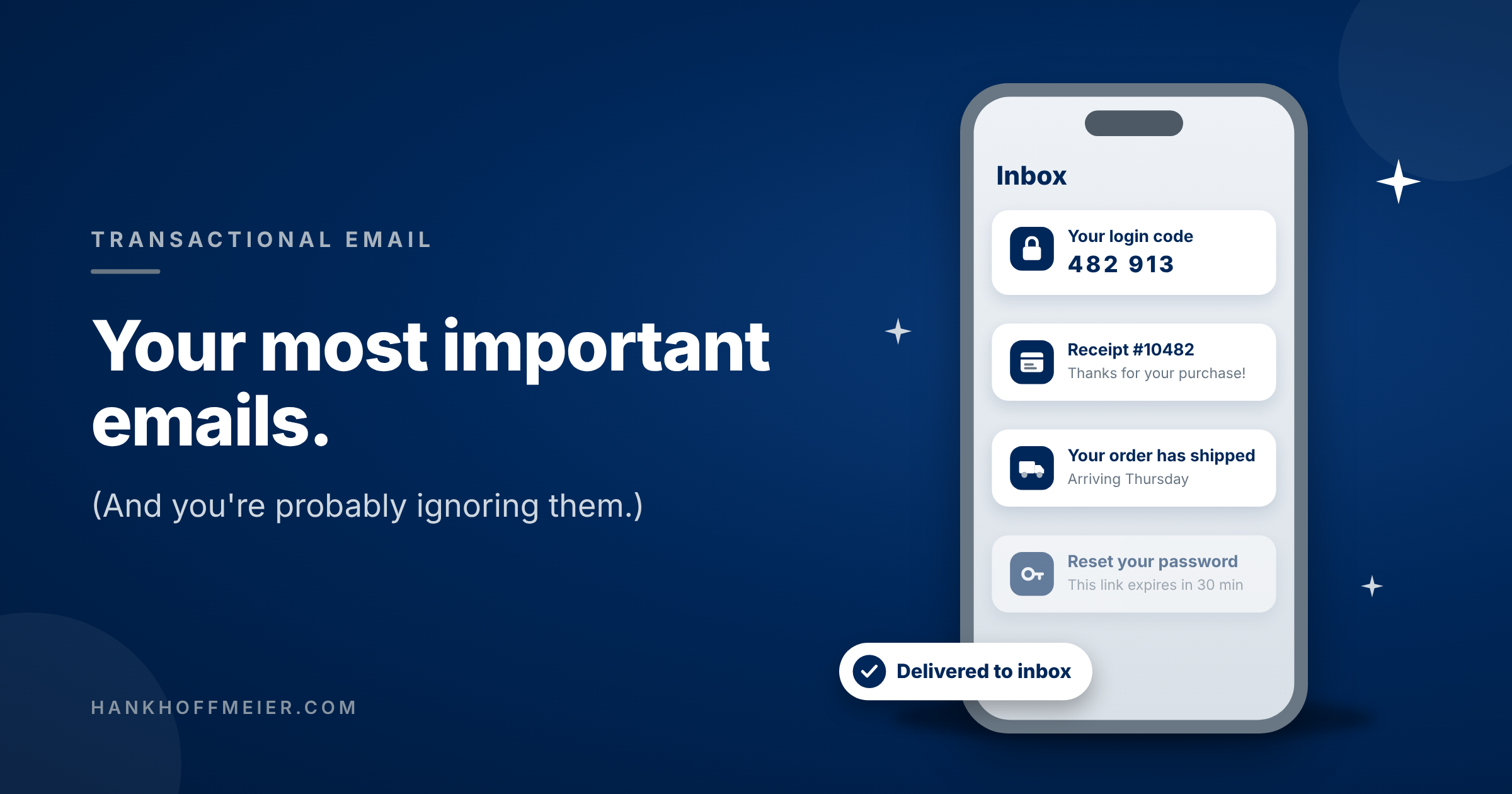
Here's a question I ask every business owner I work with: when was the last time you looked at your password reset email?
Most people stare at me like I just asked when they last checked the air pressure in their spare tire. They obsess over newsletter subject lines, A/B test their promo campaigns, and agonize over send times. Meanwhile, the emails their customers are literally sitting there waiting for (the receipt, the login code, the shipping update) were set up once by a developer three years ago and never touched again.
That's a problem. Because those are the emails that actually get opened. Let's talk about why transactional email deserves way more of your attention, what "doing it right" looks like, and the provider I've been recommending to clients.
What counts as a transactional email?
A transactional email is any one-to-one message triggered by something a specific person did (or something that happened to their account). They didn't sign up to "hear from you." They took an action and they're expecting a response.
Think:
- Password resets and magic login links
- One-time passcodes (OTP) and 2FA codes
- Order confirmations and receipts
- Shipping and delivery notifications
- Account creation and email verification
- Invoices, billing alerts, and failed payment notices
- Appointment confirmations and reminders
Compare that to marketing email (newsletters, promos, product launches), which goes out one-to-many on your schedule. Same inbox, completely different job. And here's the thing a lot of folks miss: mailbox providers like Gmail and Yahoo treat them differently too. Which is exactly why you shouldn't be sending both from the same pipe (more on that in a minute).
Why transactional emails matter more than you think
They get opened. Like, actually opened. Nobody ignores the email with their login code in it. These messages routinely blow your newsletter's open rates out of the water because the person is actively waiting for them. That makes them some of the most valuable real estate in your entire email program.
They're a trust moment. When someone buys from you and the receipt shows up instantly, looks professional, and comes from your domain, that's reassurance. When it shows up 20 minutes late in spam from "noreply@some-random-server.com," that's a refund request waiting to happen.
When they fail, your business breaks. A newsletter landing in spam is annoying. A password reset landing in spam is a locked-out customer, a support ticket, and possibly a churned account. If your OTP codes are slow, people can't log in. Period.
They drive your support load. "I never got my confirmation" is one of the most common support tickets out there. Every one of those is time and money you're spending because an email didn't do its job.
They protect your sender reputation (or wreck it). Your domain's reputation follows you across everything you send. Sloppy transactional setup can drag down your marketing deliverability too, and vice versa.
Transactional email best practices
Here's the checklist I walk clients through.
- Authenticate your domain. No excuses. SPF, DKIM, and DMARC need to be set up and aligned. Gmail and Yahoo now require authentication from bulk senders, and unauthenticated mail is a fast track to spam (or outright rejection). Start DMARC at p=none, watch your reports, then work your way to quarantine and reject.
- Separate transactional from marketing. Use a different subdomain (like mail.yourdomain.com for receipts and news.yourdomain.com for promos), and ideally different sending streams. If your Black Friday blast gets a pile of spam complaints, your password resets shouldn't pay the price.
- Speed is a feature. An OTP that arrives in 90 seconds is a broken OTP. Pick a provider built for fast delivery and measure your send-to-inbox time.
- Send from a real address. Ditch noreply@. Use something like support@ or orders@ and let people reply. Replies are a positive engagement signal, and customers like knowing a human is on the other end.
- Make the purpose obvious. Clear subject lines ("Your order #10482 has shipped"), a clear preheader, and the important info above the fold. Nobody should have to hunt for their tracking number.
- Keep it light on the marketing. A small, relevant cross-sell or a link to your help center is fine. Turning your receipt into a promo flyer is not. Stuff it with too much marketing and it starts getting treated like marketing, legally and by the inbox providers.
- Design for mobile and plain text. Most of these get read on a phone. Keep the layout simple, use a single column, and always include a plain-text version.
- Monitor bounces, complaints, and delivery events. Use webhooks to track delivered, bounced, delayed, and complaint events in real time. Suppress hard bounces automatically. If you're not watching, you won't know something's broken until customers tell you.
- Test before you ship. Send test messages to Gmail, Outlook, Yahoo, and Apple Mail. Check rendering, links, and dynamic fields. "Hi {first_name}" is not a good look.
- Revisit them regularly. Put your transactional templates on the calendar for a review every quarter. Branding changes, policies change, links break.
Why I recommend Anypost for transactional email
All those best practices are a lot easier when your provider is actually built for them. That's why Anypost (anypost.com) is the one I point people to. Here's what stands out:
It's fast. Anypost reports a 0.8 second median from send to delivered, with Gmail typically landing in under half a second. For OTPs and password resets, that's exactly what you want.
They own their infrastructure. Most email APIs rent space from a big cloud provider and pass the markup along to you. Anypost runs on bare-metal hardware they manage end to end, across redundant regions with automatic failover. That's a big part of why the pricing is what it is.
The pricing is refreshingly simple. Plans start at 10¢ per 1,000 emails ($100/month for 1 million sends) and drop as low as 7¢ per 1,000 at higher volume. Go over your plan and you pay the same rate. No surprise overage penalties. Every account also gets a free evaluation so you can test against your own domains before you commit.
Deliverability is managed, not an upsell. You share reputation only with a vetted sender network (bad actors get removed), you get proactive alerts when something looks off, and they help with warm-up when you migrate. Dedicated plans add a named deliverability manager.
Real-time events with no add-on fees. Delivered, delayed, bounced, opened, and clicked events show up in the dashboard or come straight to you via webhooks. That's best practice #8, handled.
It's backed by a real uptime guarantee. 99.99% uptime on paid plans, measured externally every 30 seconds, with bill credits if they miss it.
Easy for developers (and easy to switch). API or SMTP, eight official SDKs, and if you're on SMTP today, switching is basically changing your host and password. Templates can be imported as HTML, written in Markdown, or drafted with AI.
Humans who know email. Support is staffed by the people who actually run deliverability, not a ticket queue that takes three days to tell you to clear your cache.
They're also SOC 2 audited and offer a DPA, which matters if you're selling to bigger customers who are going to ask.
The bottom line
Your transactional emails are the most-opened, most-trusted, and most business-critical emails you send. They deserve the same attention you give your marketing (honestly, probably more). Get your authentication right, separate your streams, keep them fast and clear, and put them on a platform that's built to deliver them.
So here's your homework: go trigger your own password reset right now. How long did it take? Did it hit the inbox? Does it look like it came from a real business?
If the answer made you wince, let's talk. I help businesses audit and fix their email setup, from authentication and deliverability to getting transactional email onto the right platform. Reach out at hank@hankhoffmeier.com or visit hankhoffmeier.com.
Check out anypost.com today for your transactional needs.